
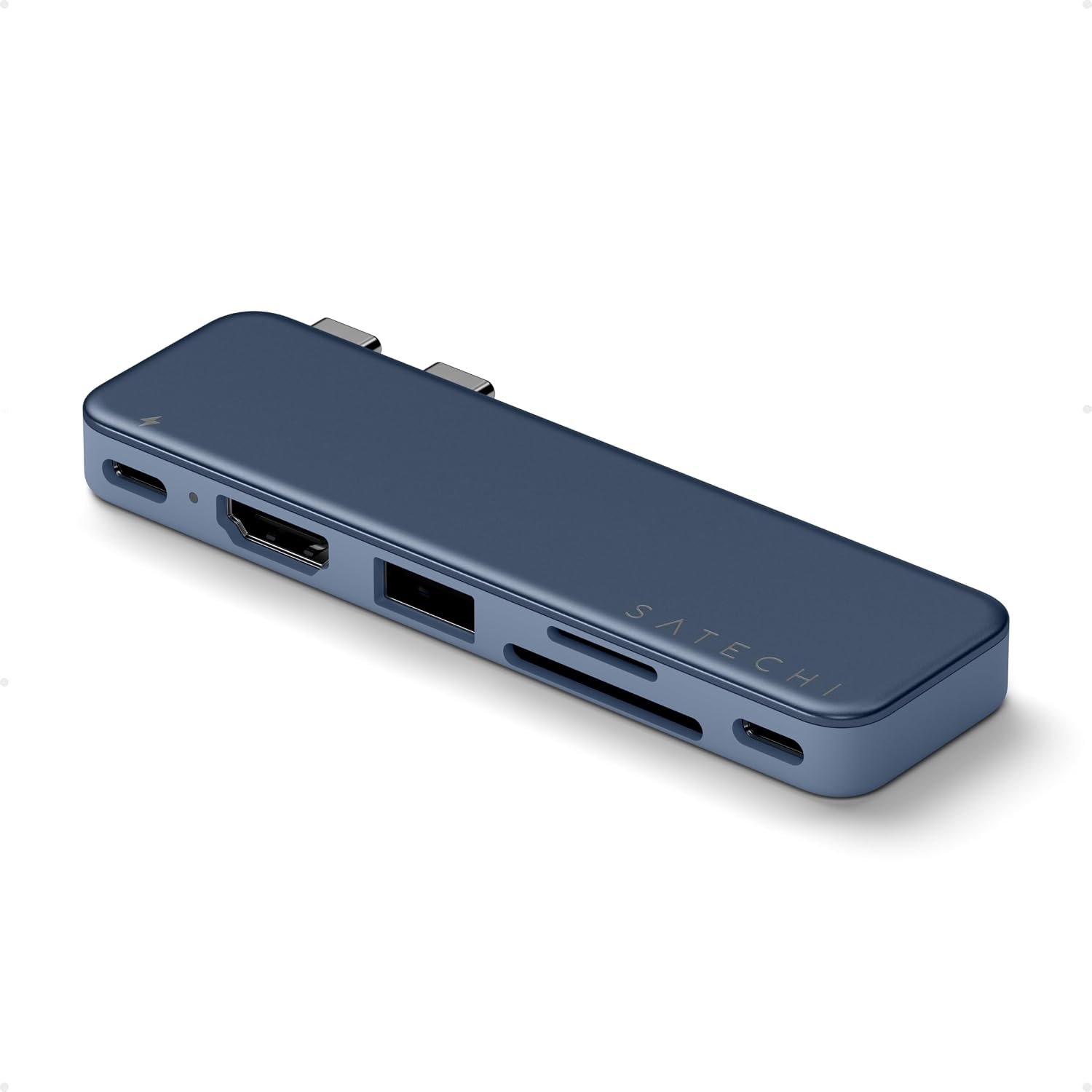
Satechi 6-in-2 USB-C Snap Hub, 4K/60Hz HDMI, for MacBook Neo, Indigo
$44.99
Related Products


Product description
The video showcases the product in use.The video guides you through product setup.The video compares multiple products.The video shows the product being unpacked. Satechi USB-C Snap Hub for MacBook Neo


Will attaching the Snap Hub to both USB-C ports on my MacBook Neo damage the ports?
No. The dual USB-C connector is designed for standard port tolerances. Press it straight in — avoid lateral force. Remove by gripping the hub body, not the laptop chassis.
Can I still charge my MacBook Neo with the Snap Hub occupying both USB-C ports?
Yes. Plug your charger into the Snap Hub USB-C PD port (up to 45W) and it powers your MacBook Neo while all other ports stay active. No separate cable to the laptop needed.
Will the Snap Hub HDMI port work with an external display on the MacBook Neo?
Yes — up to 4K/60Hz, matching the MacBook Neo display limit. Connect any HDMI monitor and it is recognized immediately. Run alongside the built-in screen for a dual-display setup.
Does the Snap Hub add SD card support to the MacBook Neo?
Yes. Full-size SD: insert pins up, label down. microSD: insert pins down, label up. Orientations oppose each other on this device — check the labeled diagram on the hub before inserting any card.
Does using both USB-C ports for the Snap Hub affect the MacBook Neo performance?
The primary connector uses USB 3 (10Gb/s) for data and video; the secondary uses USB 2 for power. HDMI and PD charging are unaffected. Wi-Fi, Bluetooth, and audio stay fully operational.
Complete your Macbook Neo Setup
Add to Cart
Add to Cart
Add to Cart
Add to Cart
Customer Reviews
4.2 out of 5 stars 121
4.3 out of 5 stars 123
4.6 out of 5 stars 417
4.3 out of 5 stars 157
4.7 out of 5 stars 1,700
Price
$44.99$44.99
$35.99$35.99
$29.99$29.99
$39.99$39.99
$31.99$31.99
Best For
6-in-2 port expansion
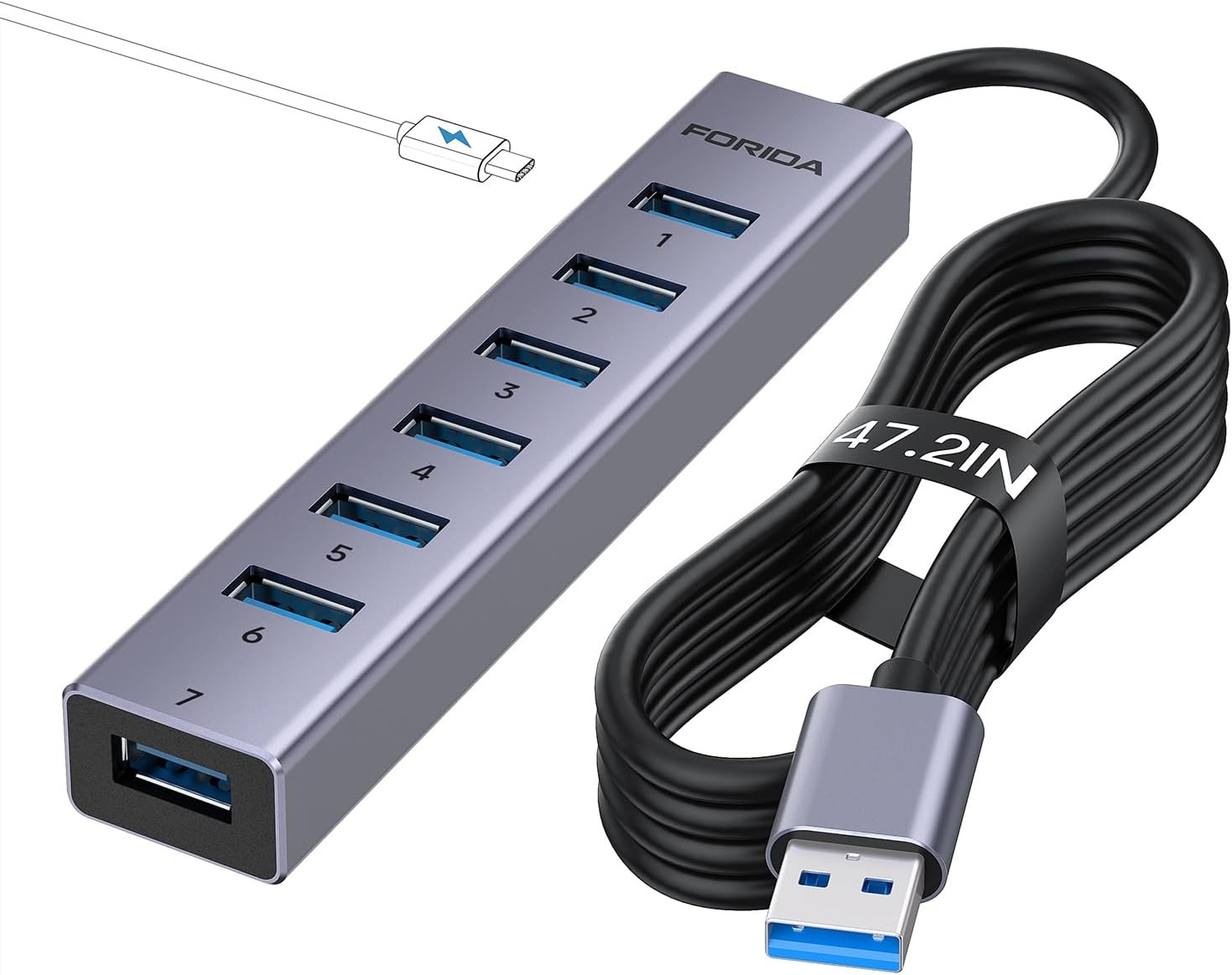
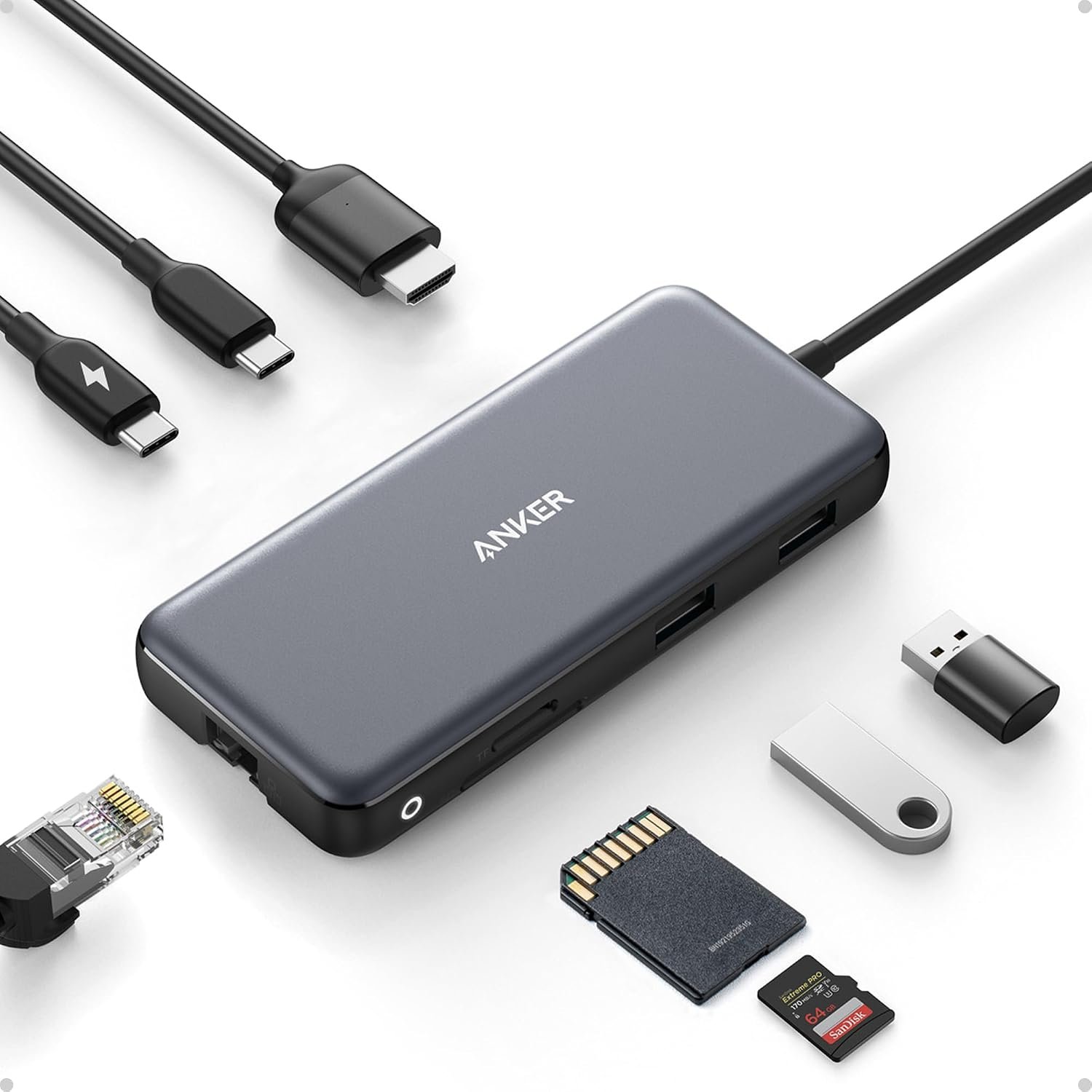
5-in-1 port expansion
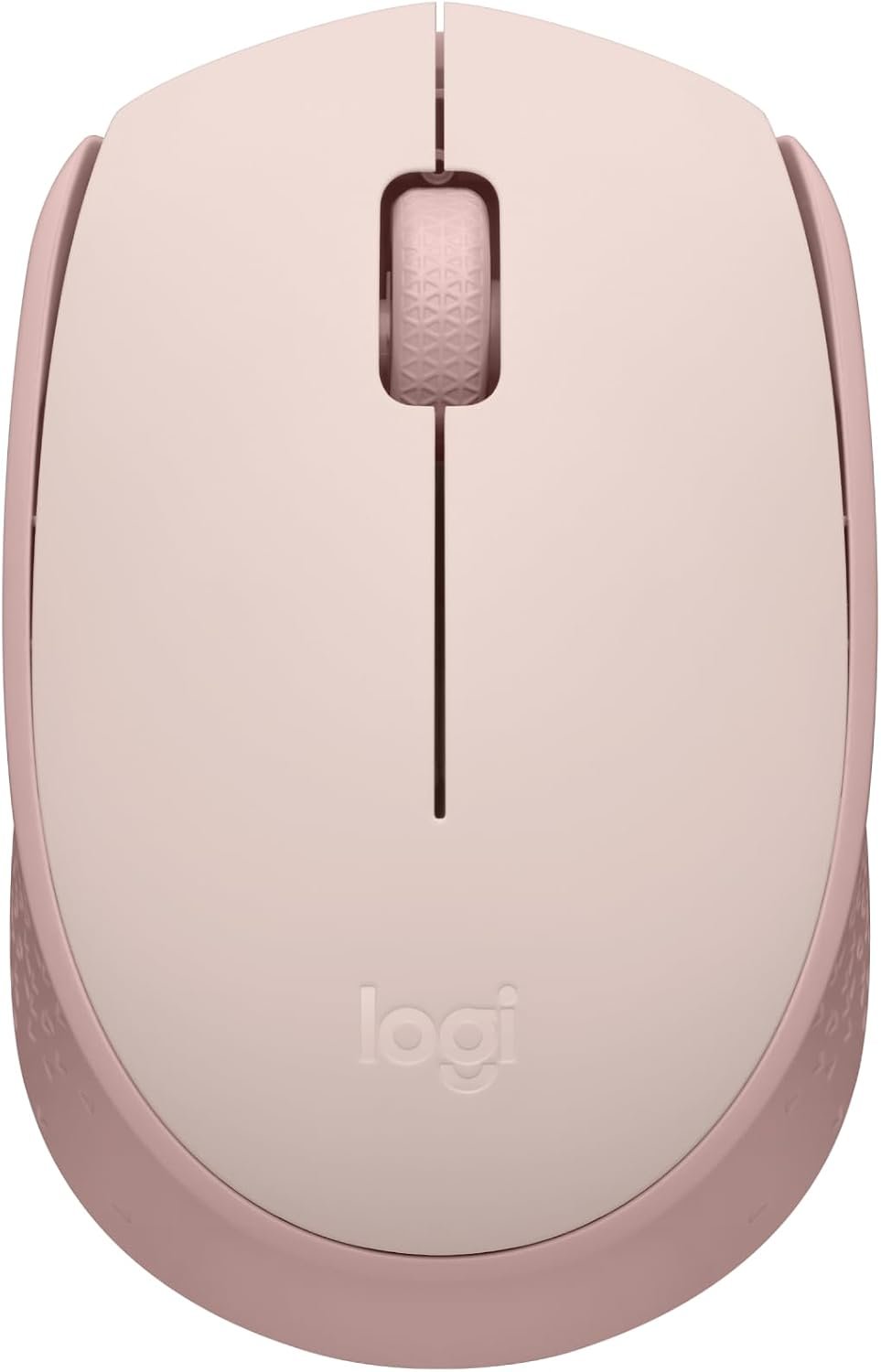
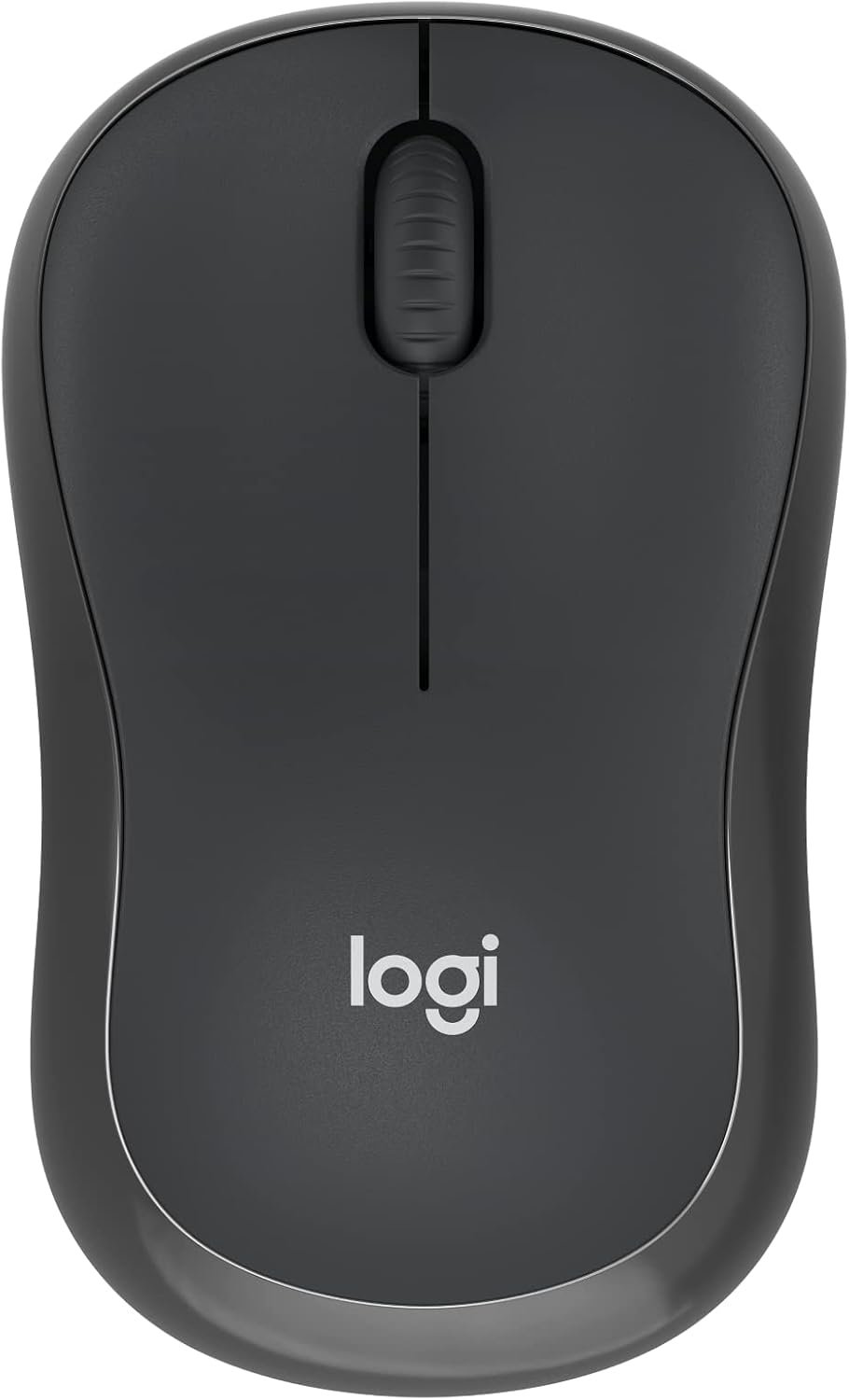
Precise cursor control
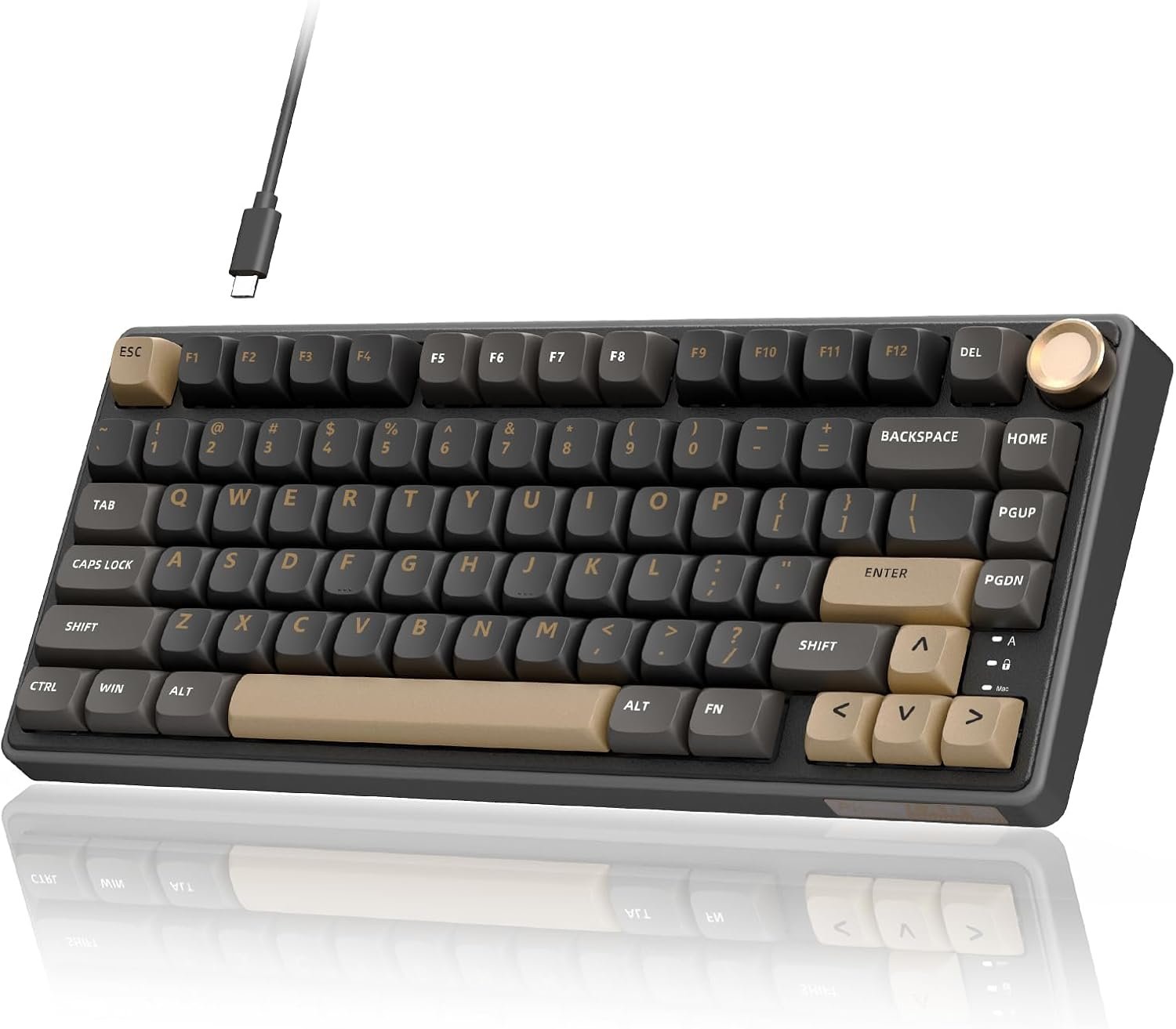
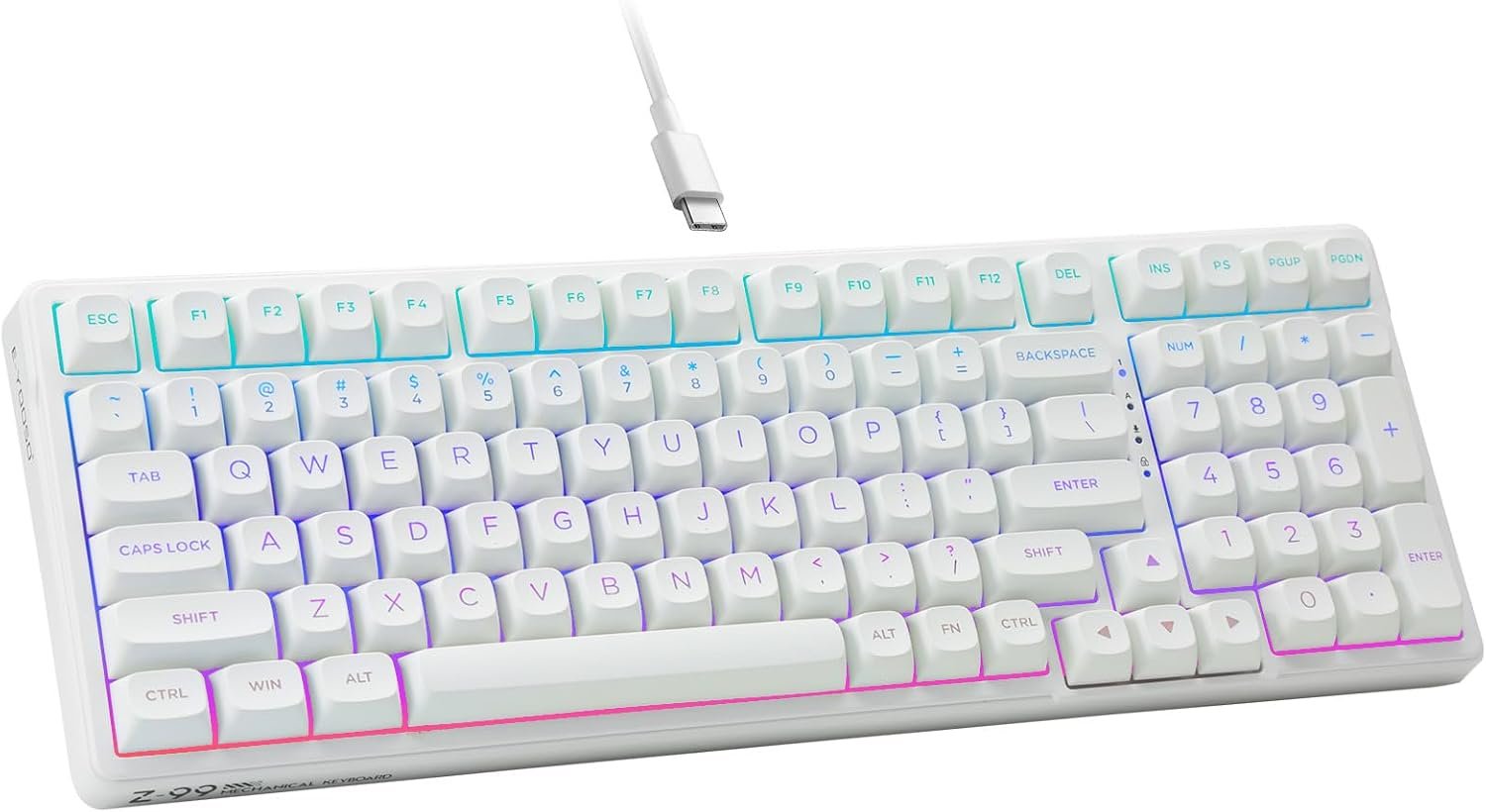
Compact typing
Desk protection
Product Type
USB-C hub
Multiport adapter
Wireless mouse
Wireless keyboard
Desk mat
Connectivity
Dual USB-C plug
USB-C cable
Bluetooth 5.3 + 2.4 GHz
Bluetooth 5.3 + 2.4 GHz
—
Ports
HDMI, USB-A, USB-C, TF/SD, PD
HDMI, USB-A, USB-C, SD, PD
—
—
—
Standout Spec
Dual USB-C, fits MacBook Neo
Magnetic mount, 2× 3M rings
Quiet clicks, precise scroll
4-device pairing, OS switch
Scratch & water resistant
Colors
Indigo, Blush, Citrus, Silver
Indigo, Blush, Citrus, Silver
Indigo, Blush, Citrus, +2
Silver, Space Black
Brown, Blue, Black, +1
Made For MacBook Neo — THE ONLY ONE — The first and only dual-connector hub engineered for the MacBook Neo’s asymmetric ports: video, data, and charging all run through the high-performance USB 3 port, while the second connector keeps the hub seated flush and stable. Where other dual-pin hubs fail on the Neo, the Snap Hub simply works — snap both connectors in and go.
Six Ports, All Active — 4K/60Hz HDMI, USB-A and USB-C data at 5Gbps each, SD and microSD card readers at up to 104MB/s, and 45W pass-through charging — every port working at the same time. Two Neo ports become a complete six-port workstation.
Big Screen, Still Charging — Mirror or extend to any monitor, TV, or projector in 4K at 60Hz, while 45W USB-C pass-through keeps your Neo powered. Present, stream, and create without unplugging to charge.
Looks Like Apple Made It — A slim 100 × 29 × 10mm body sits flush against your Neo with no dangling dongle. The two-tone finish pairs an anodized aluminum top matched to the Neo’s body with a soft-touch base matched to its keyboard — in Citrus, Blush, Indigo, and Silver.
Plug In With Confidence — Engineered for MacBook Neo; data and video also work on other dual USB-C MacBooks (Air and Pro), with charging capped at 45W. Bus-powered, so no cables are needed. Includes the USB-C Snap Hub, user manual, and the Satechi Limited Warranty.