
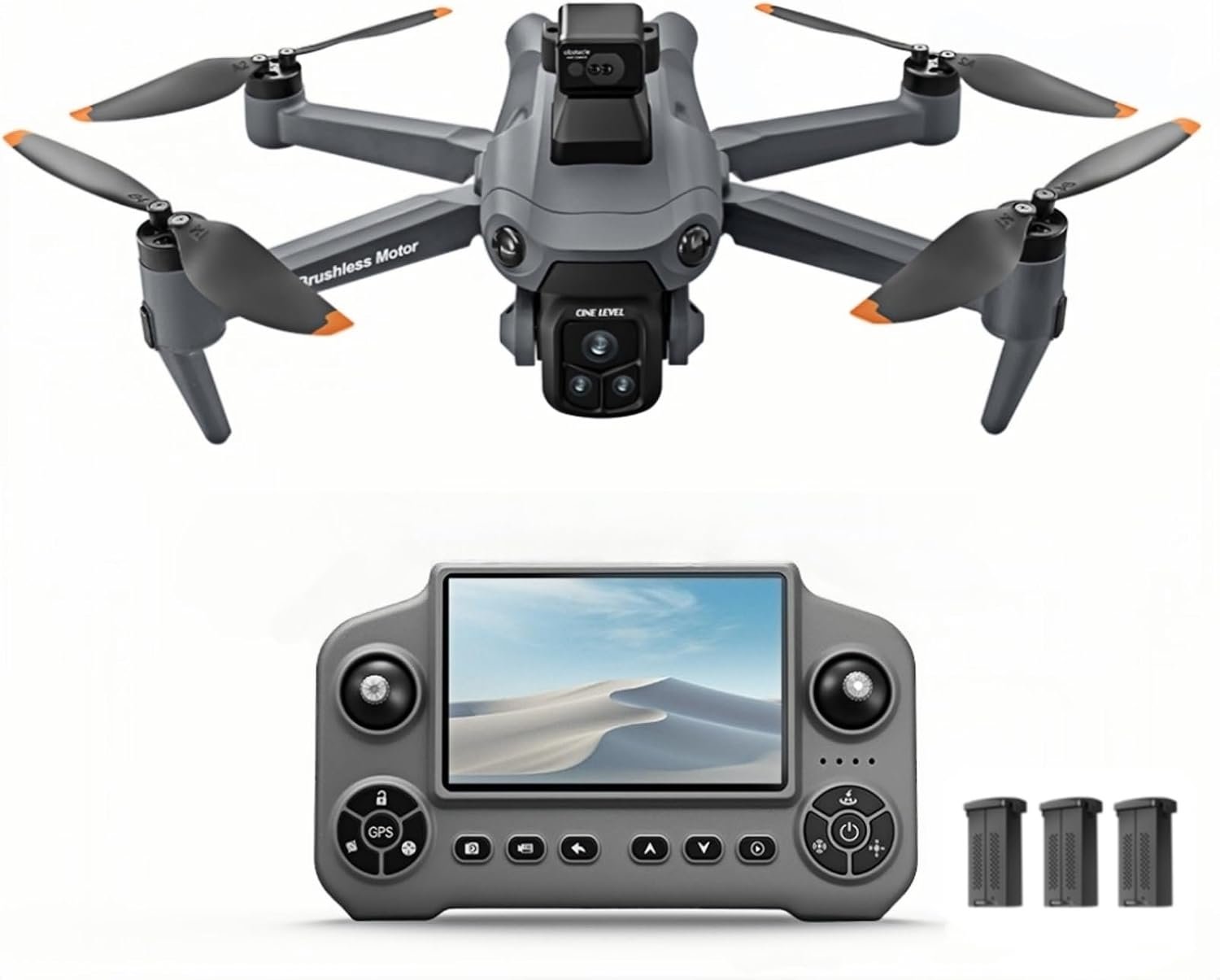
GPS Drone with 4K Camera for Adults, Obstacle Avoidance, Under 249g
$239.99
Related Products


Product description


 Better wind resistance, Better stability
 Under 249g
 3 Replacement Batteries
 Waypoint definition Requires APP connection
 One‑Click Surround Shot Requires APP connection
 Follow me Requires APP connection
The drone needs to turn off the GPS to take off in indoor mode, and canuse the obstacle avoidance function normally in indoor mode. When youturn on the Obstacle Avoidance Mode, the remote controller will keep onmaking a drip drip drip sound. (Note: Obstacle avoidance function must be manually enabled. Sunlight may interfere with obstacle‑avoidance performance in Outdoor Mode)Please use the original equipped data cable to charge, don’t usethe cell phone charger to charge directly. The red light of the remotecontrol and battery is on, which means charging is in progress, and it will turn off automatically when it is full. lf the light is not on whencharging, it means full charge, no need to charge.After the drone remote control and battery are fully charged, it needs to be frequency pairing successfully, it will show the correct power level, when the drone remote control is charging, it needs to be in the shutdown state, otherwise it will fail to charge.The first flight need to calibrate the gyroscope and calibrate the geomagnet, please take off on the level ground, don’t take off on the grass or pit, otherwise it will be deflected or unstable flight, the same flight location doesn’t need to be calibrated twice, and the other new flight location need to be re-calibrated for better operation of the drone to make it perform well.The one‑key return function in outdoor mode needs to be connected to GPS. Please make sure the drone locks onto at least 9 satellites and GPS is connected when flying outdoors to avoid losing the drone. Do not push the control stick forward when Low‑Battery Return‑to‑Home triggers. This action will disable the return‑to‑home function and may result in loss of the drone.When replacing the fan blades of the drone, please replace the fan blades according to the A and B markings on the drone’s arm. For example, all fan blades on the arm labeled A need to use the fan blades labeled A, and all fan blades on the arm labeled B need to use the fan blades labeled B. Otherwise, the drone will not be able to take off normally.Microfilm production, Intelligent Following, Gesture photography, Surround shooting, Custom waypoint — These features are operated via the corresponding mobile APP after connecting your phone to the drone.
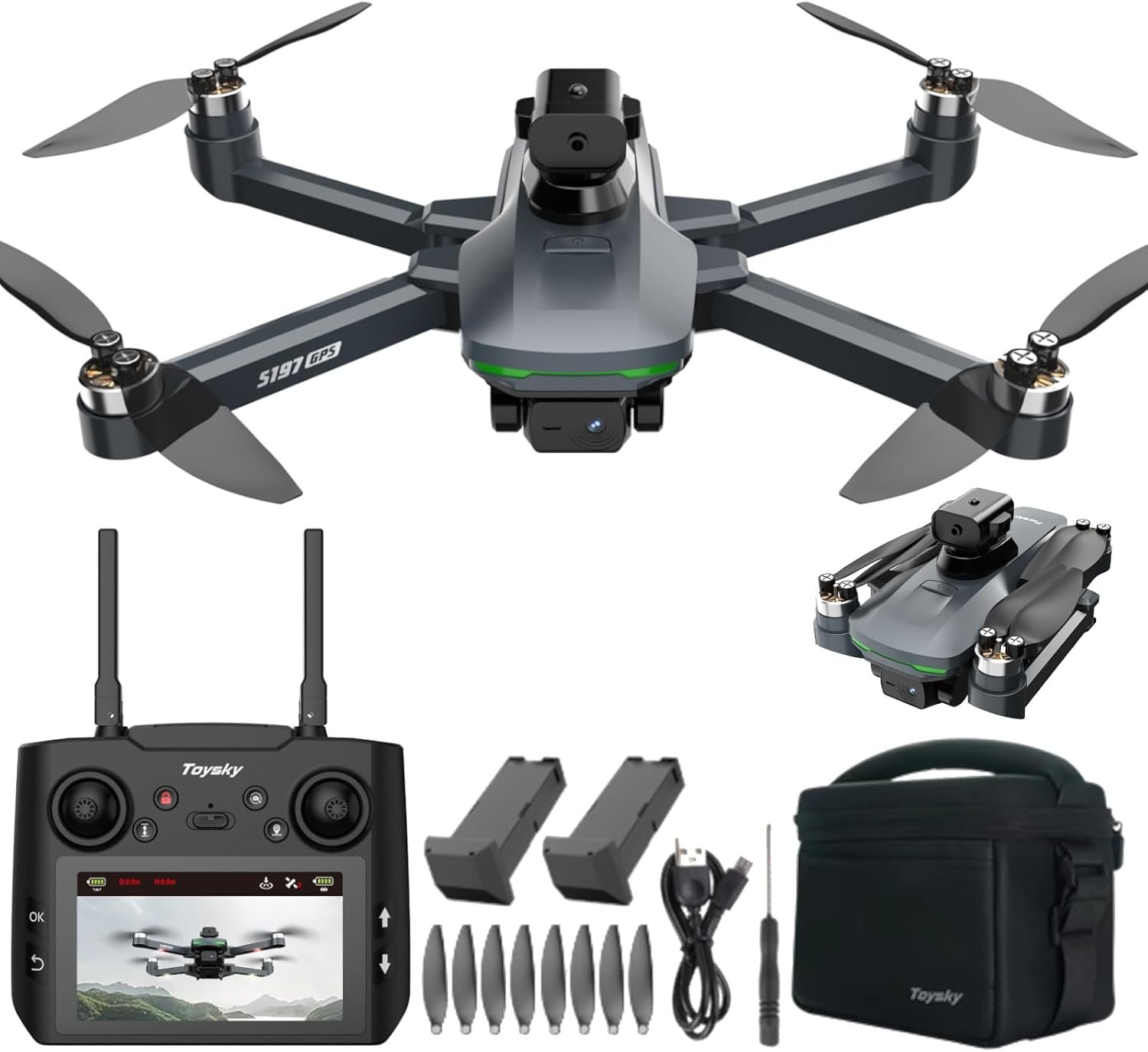
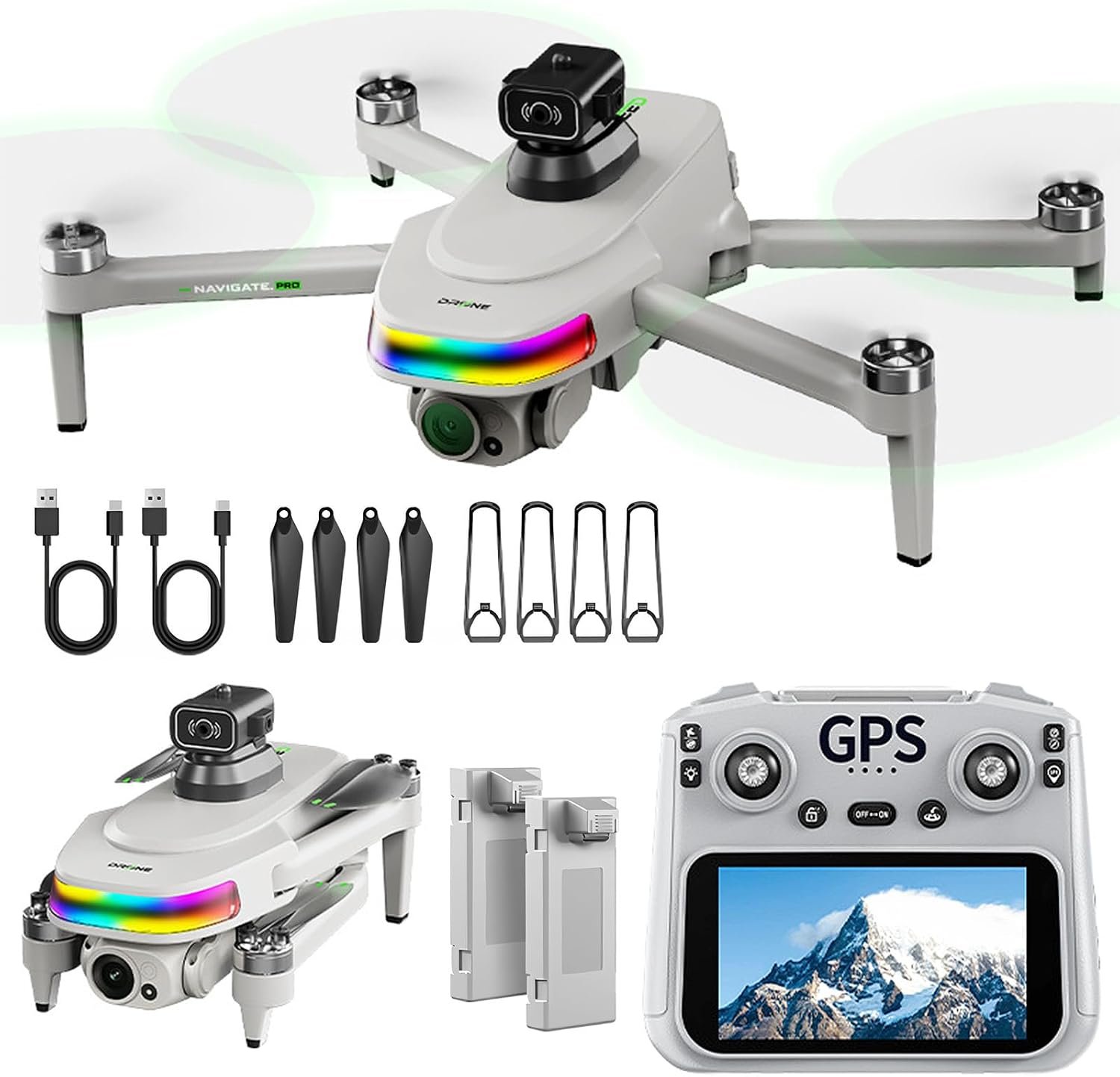
[GPS & Obstacle‑Avoidance Drone] Equipped with 360° obstacle avoidance, GPS auto‑return‑to‑home and optical‑flow hover, this drone delivers stable flight even under weak‑GPS conditions to lower collision hazards and flight‑related risks. Great for new pilots and hobbyists. Beginners can master flight easily. Its built‑in obstacle avoidance and GPS assist system simplify operation and bring extra peace of mind while flying. The GPS return function attempts to bring the drone back to takeoff point when losing signal or running low on battery. Optical flow hover keeps the drone steady in place when GPS signal is poor.
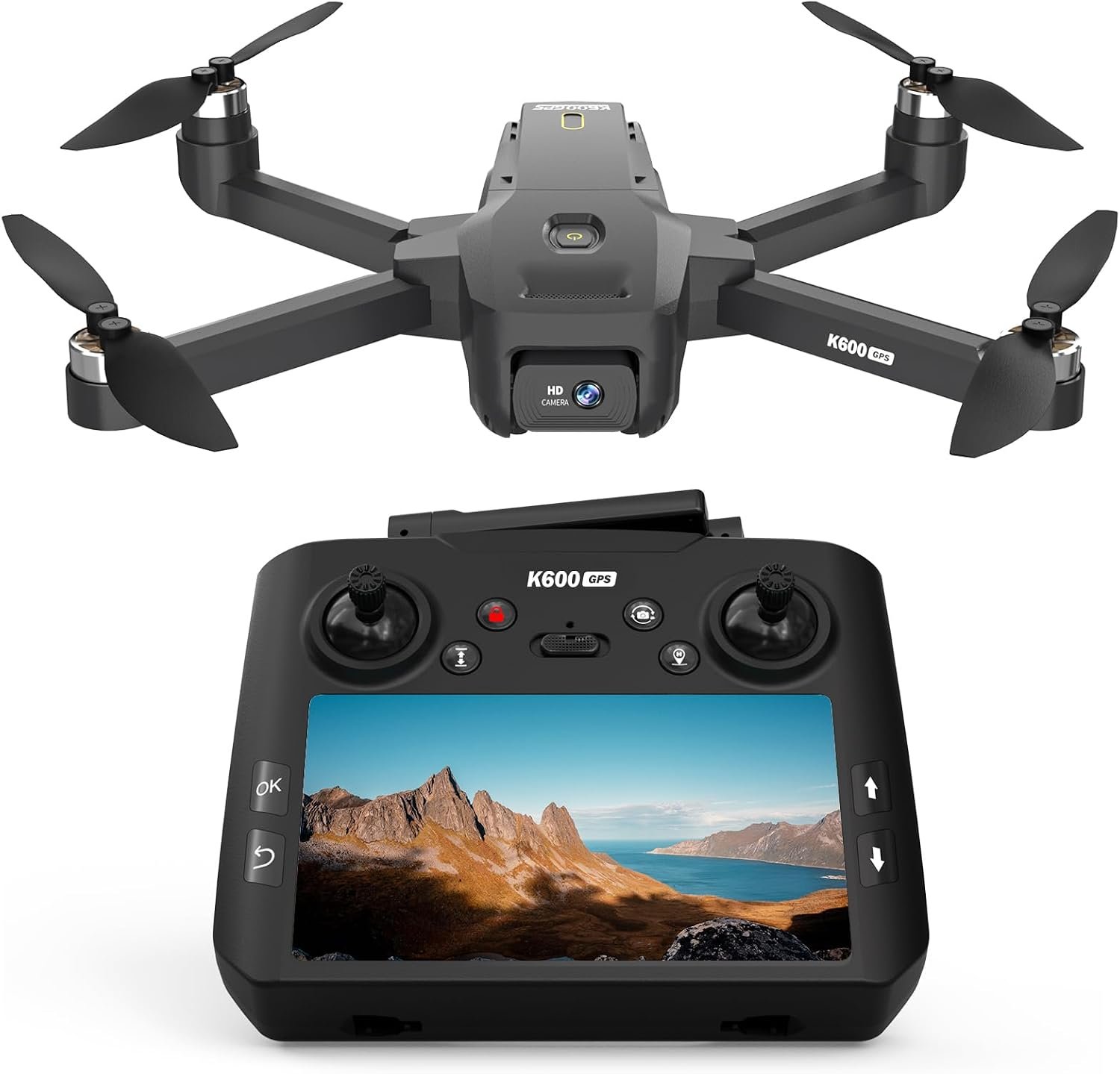
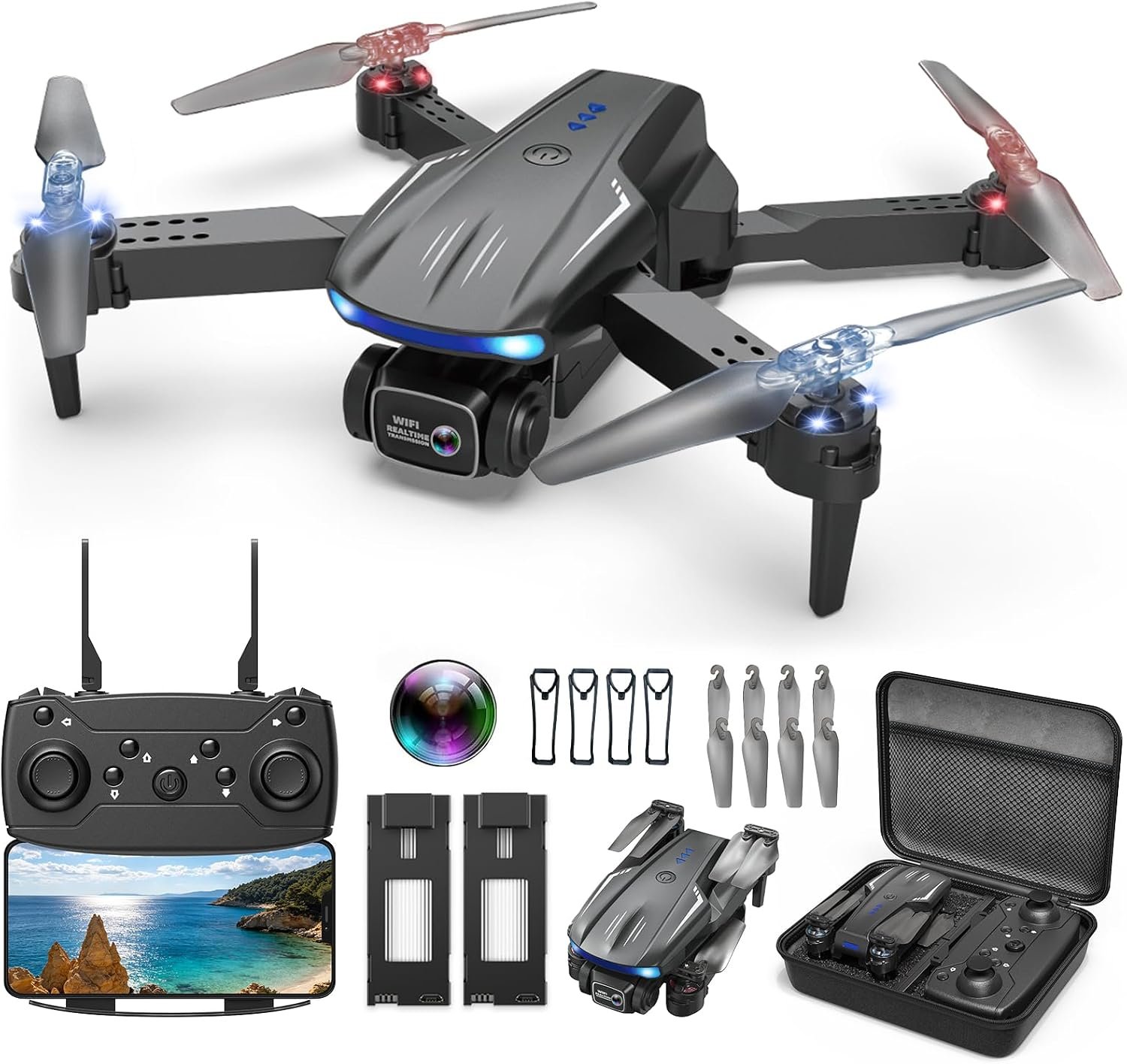
[4K Drone with Camera for Adults] Equipped with a 4K camera with 90° remote angle adjustment to reduce shaking and capture clear aerial photos and videos. Adjust camera angle mid-flight without landing to frame scenes easily. Built-in screen controller: fly & view footage without smartphone; phone required for gesture photography, intelligent following & surround shooting.
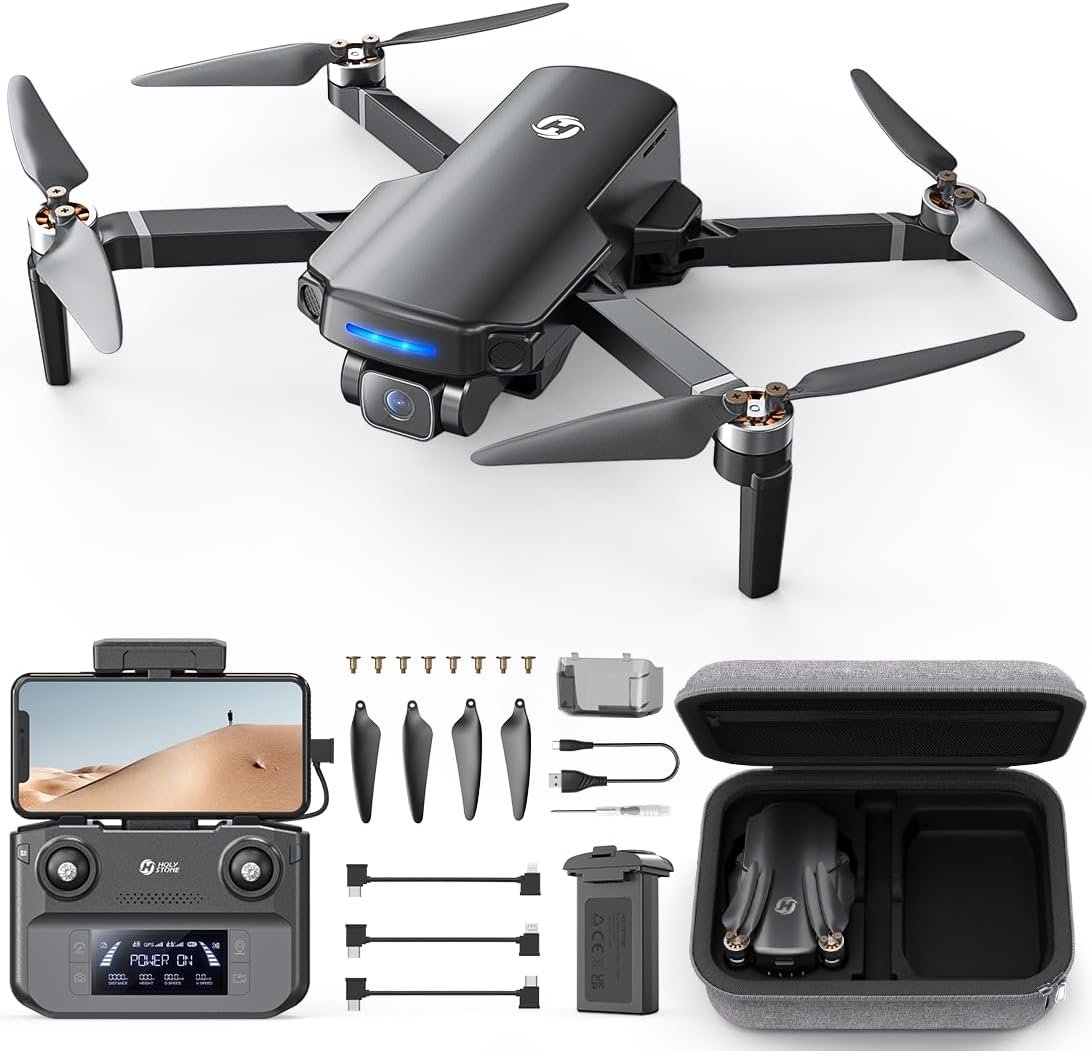
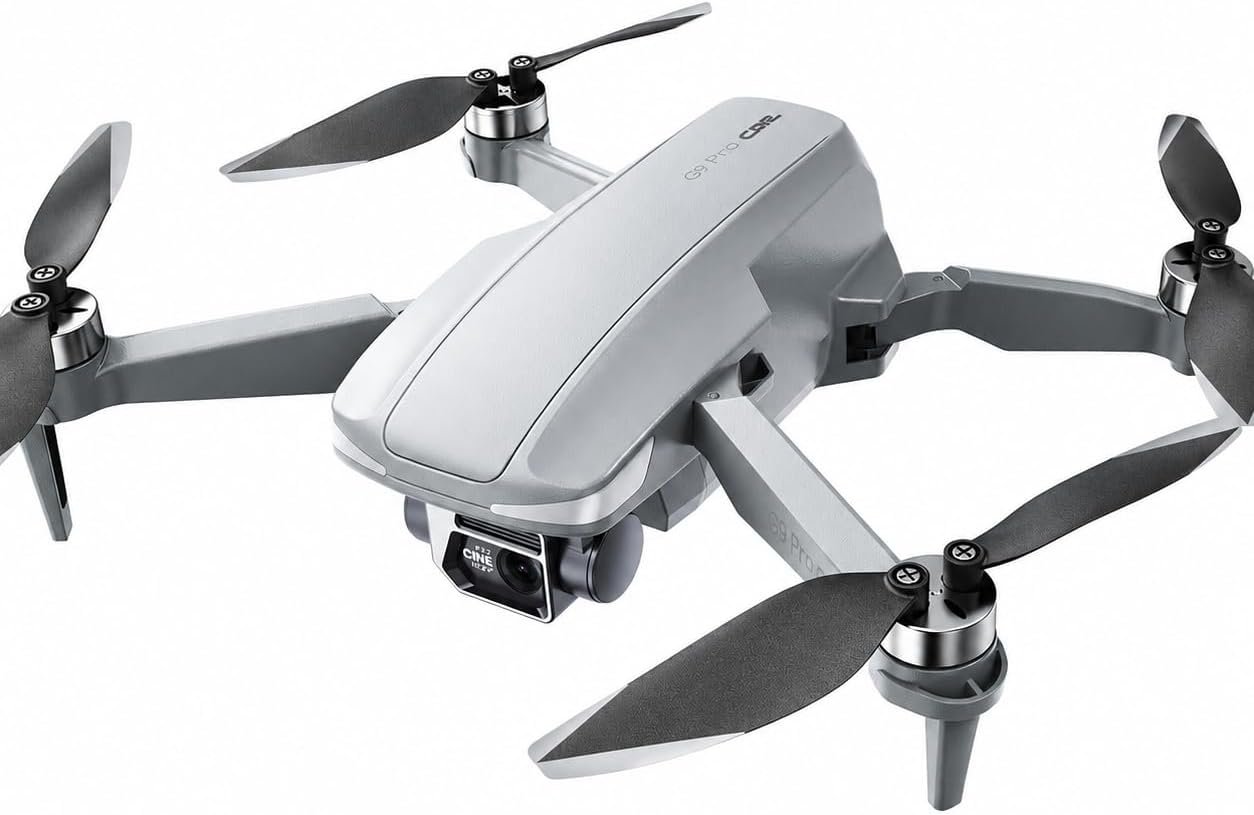
[Under 249g Lightweight & Portable Body] This drone weighs less than 249g, making it compact and easy to take anywhere. It complies with most flight rules and doesn’t require complicated registration.
[3 Batteries for Extended Flight Time] Comes with 3 rechargeable batteries, each offering up to 25 minutes of flight time for a total of 75 minutes, helping to extend overall flight time and support longer shooting.
[Important Flight Tips & After‑sales Support] Please read the user manual and scan the QR code to watch the tutorial video before use. Scroll down the page to check the important notices in the product graphic section and read them carefully. Feel free to contact us if you have any questions about operation or after‑sales issues.