
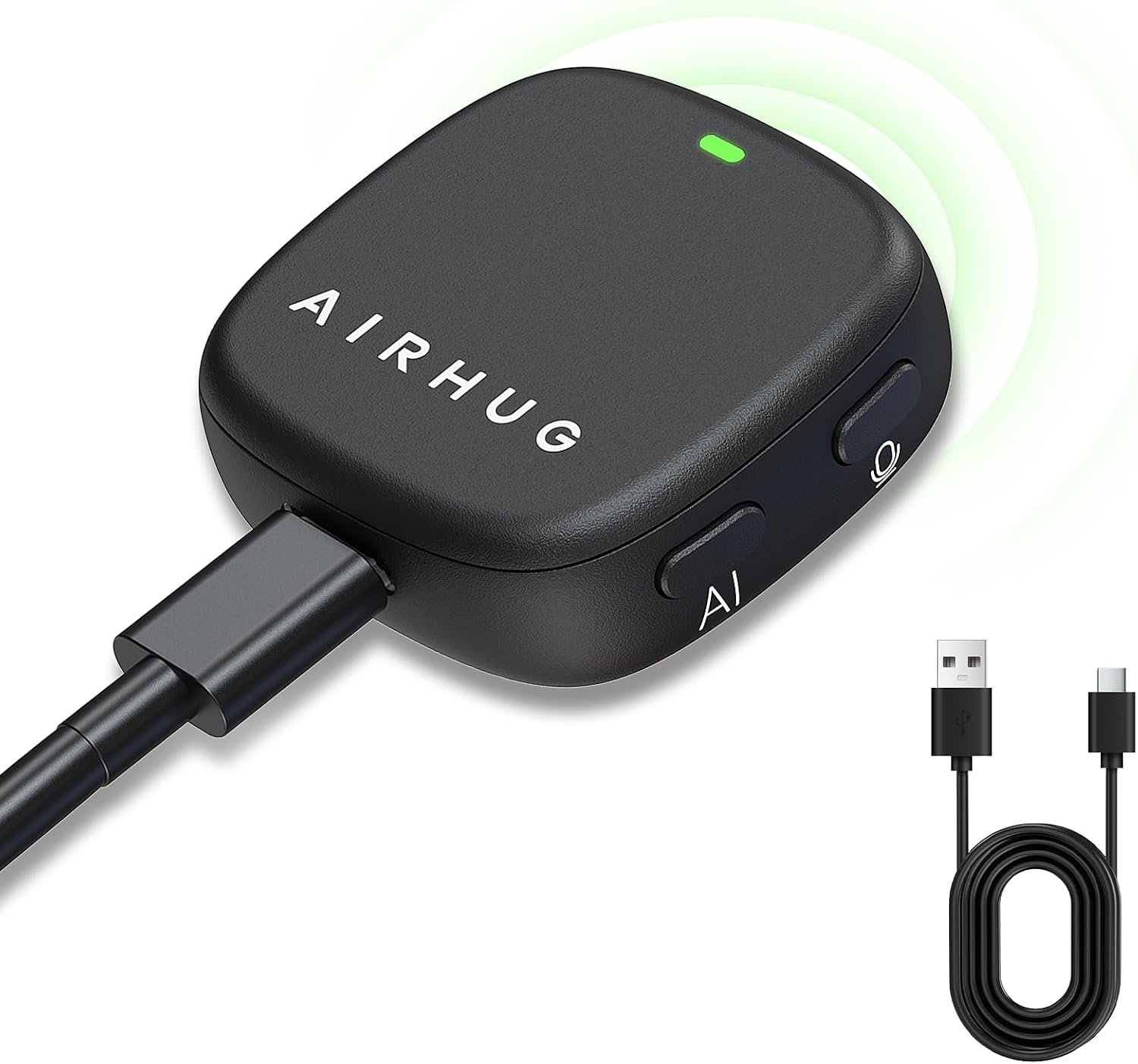
AIRHUG Magnetic USB Microphone for PC/Mac, No Speaker, Flat Mount, 2m Cable
$19.99
Related Products




Product description


Remove noises like keyboard clicks and knocking for clearer calls

This mode delivers accurate, pure audio recording

One-tap mute protects privacy instantly
1 Al Noise Reduction Mode
2 Original Mode
3 Mute Mode


Is the magnetic attraction strong? Can it be attached to clothes or metal?
It’s strong and adheres firmly. Whether it’s the collar of a shirt, the main unit of a computer, or the frame of a monitor, it can adhere securely.
Does the AI cancel keyboard and other noise?
Yes. AI noise reduction can eliminate sudden noises such as keyboard typing and knocking , ensuring you always have clear sound during calls.
How do I know if I’m on mute?
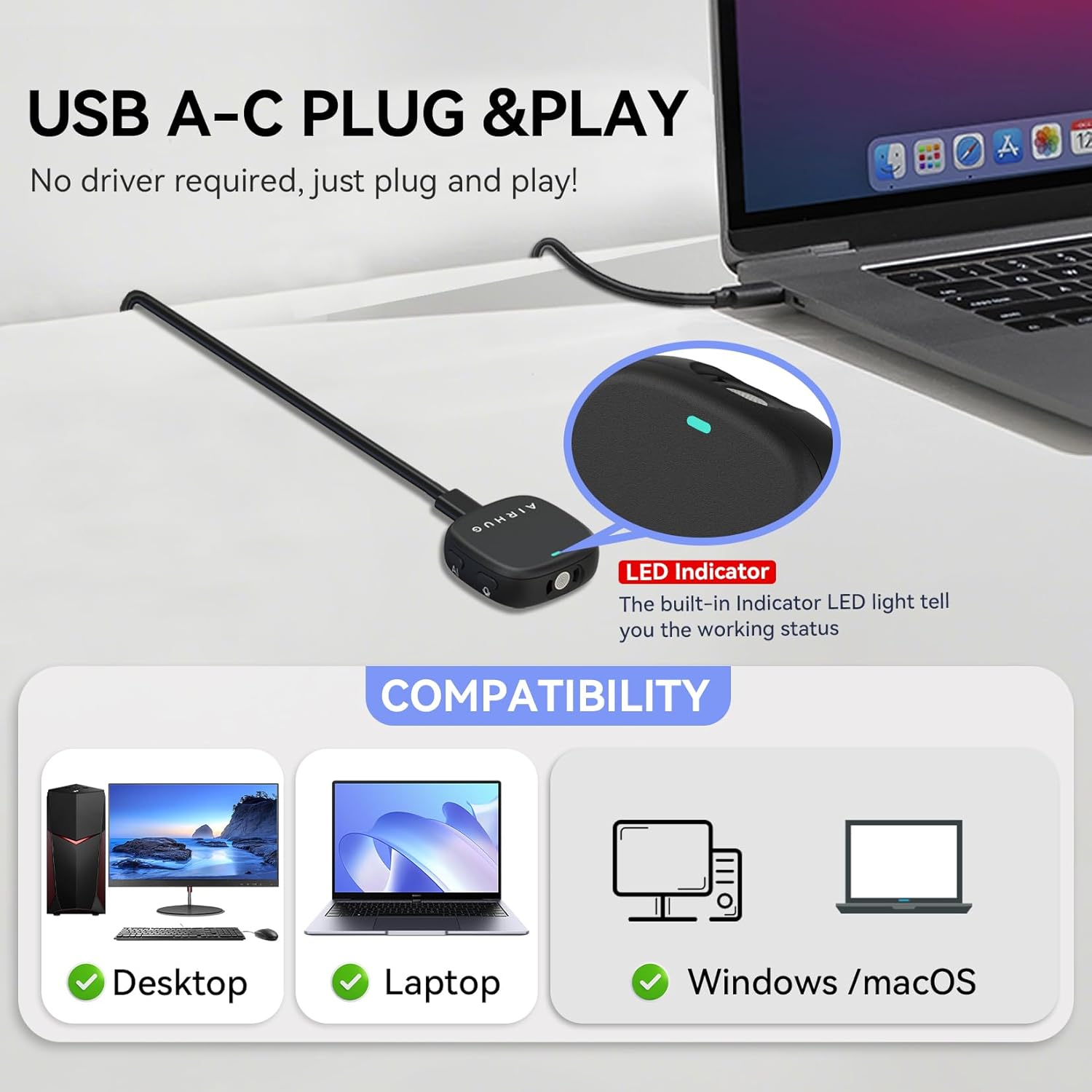
The light tells you everything: red for mute, green for normal, and blue for AI noise cancellation.
Plug and play for Mac & Windows?
Yes. No drivers needed for Mac or Windows. Just plug in the USB and it works.
Can I reuse the sticky pads?
Yes. Rinse them with water, let dry, and they’re ready to reuse.
AIRHUG 28 Magnetic Mic
AIRHUG Mic Comparation
$19.99
Price
$43.99
0
Speaker
1
1
Microphone
1
√
Noise reduction
√
×
Echo cancellation
√
Up to 3 people
Suitable for space
Up to 6 people
USB
Connection mode
USB / Bluetooth
$19.99
Price
$27.99
0
Speaker
0
1
Microphone
1
√
Noise reduction
√
×
Echo cancellation
×
Up to 3 people
Suitable for space
Up to 3 people
USB
Connection mode
USB
AIRHUG 01 Speakerphone 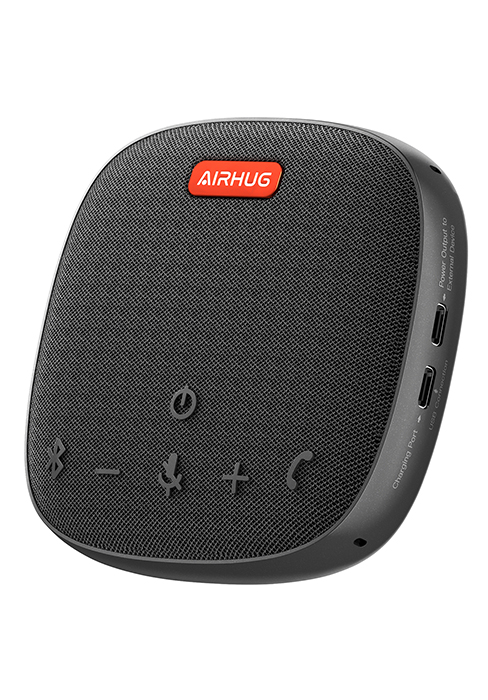
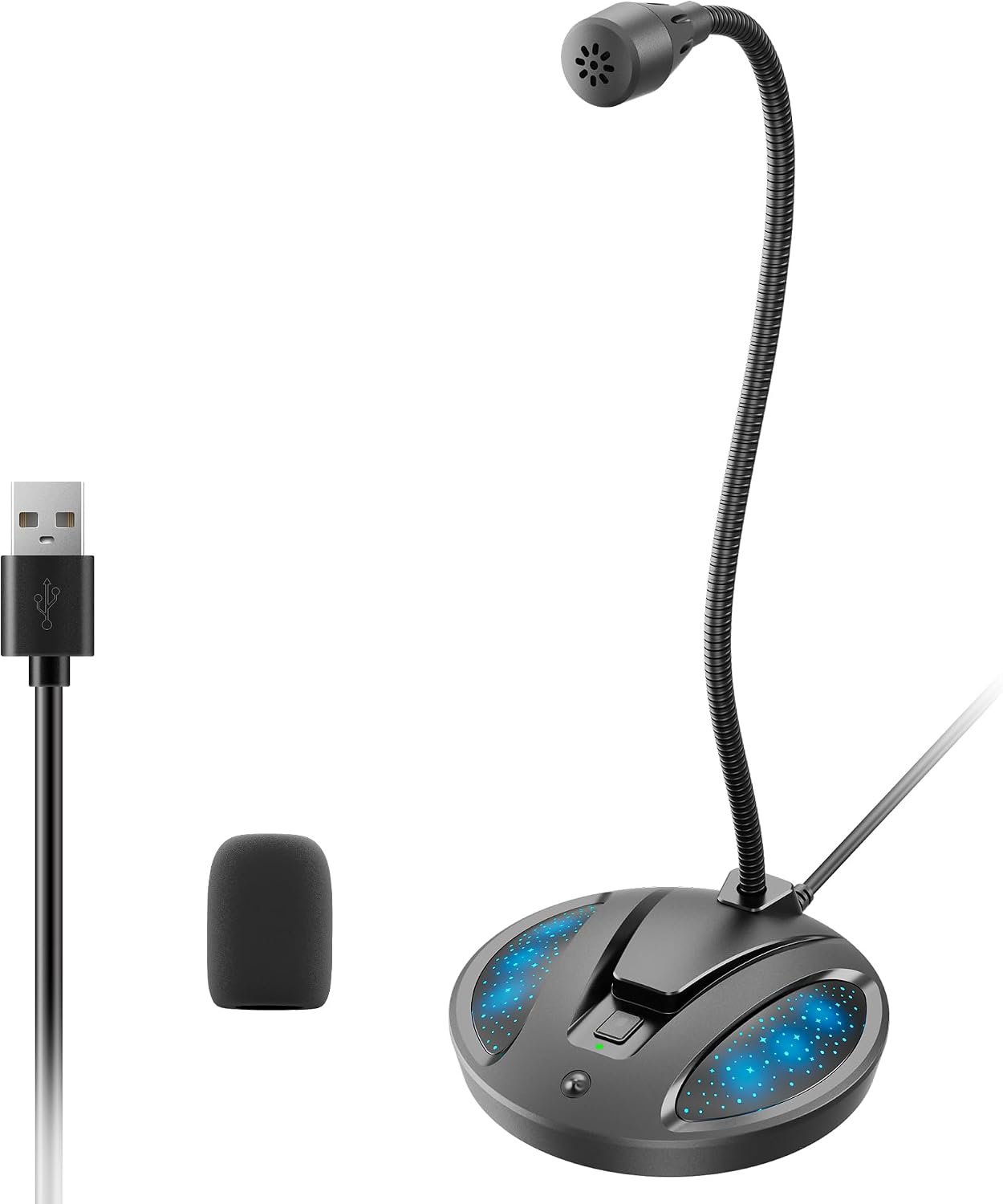
AIRHUG 21 USB Microphone 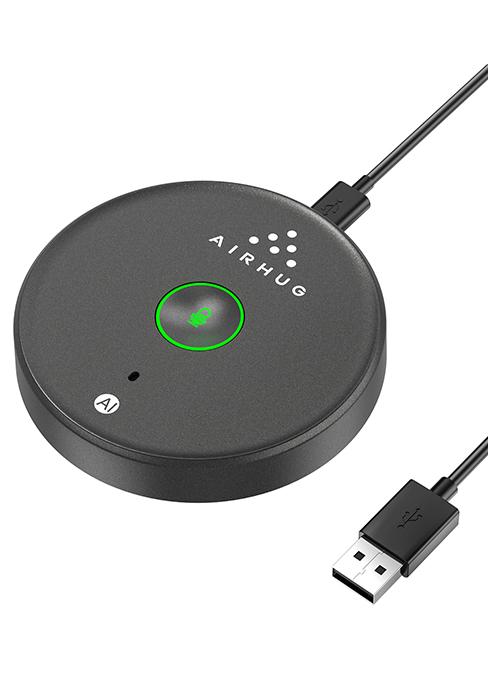
Smart Magnetic Design – This microphone for pc offers 3 placement options: lay flat, clip to clothing, or attach to metal surfaces. Includes a 2m cable and 3 reusable nano adhesive dots for flexible setup in any scenario
360° Omnidirectional Pickup – With high sensitivity 360° voice pickup and a 6 ft (2 m) range, this desktop microphone ensures everyone is heard clearly. Great for gaming, streaming, video conferences, and online classes
Mute Button & LED Indicator – Instantly mute/unmute with one press, ensuring your privacy during meetings. The three color LED clearly shows mic status (Blue: AI Noise Reduction; Green: Original Mode; Red: Muted)
AI Noise Reduction vs Original Mode – Switch between two powerful modes. Use AI Mode (Blue Light) to filter out background noises like fans or keyboard clicks. For a natural, realistic sound that captures your true voice with high fidelity, we recommend switching to Original Mode (Green Light). Pro Tip: If you experience transcription issues, toggling between these two modes can help optimize performance based on your specific setup
Plug & Play, Wide Compatibility – No drivers needed. This pc microphone for desktop works instantly with Windows 7/8/10/11 and Mac OS. Supports major platforms (Zoom, Teams, Skype) and recording apps. Quick Tip: If your device is not detected, please check your computer’s privacy settings to allow microphone access for the app you’re using
What’s Included – This laptop microphone Kit contains: 1 microphone, 1 USB-C to USB-A cable(2m), 3 washable & reusable nano adhesive dots , and 1 user guide